




Description
Product Overview
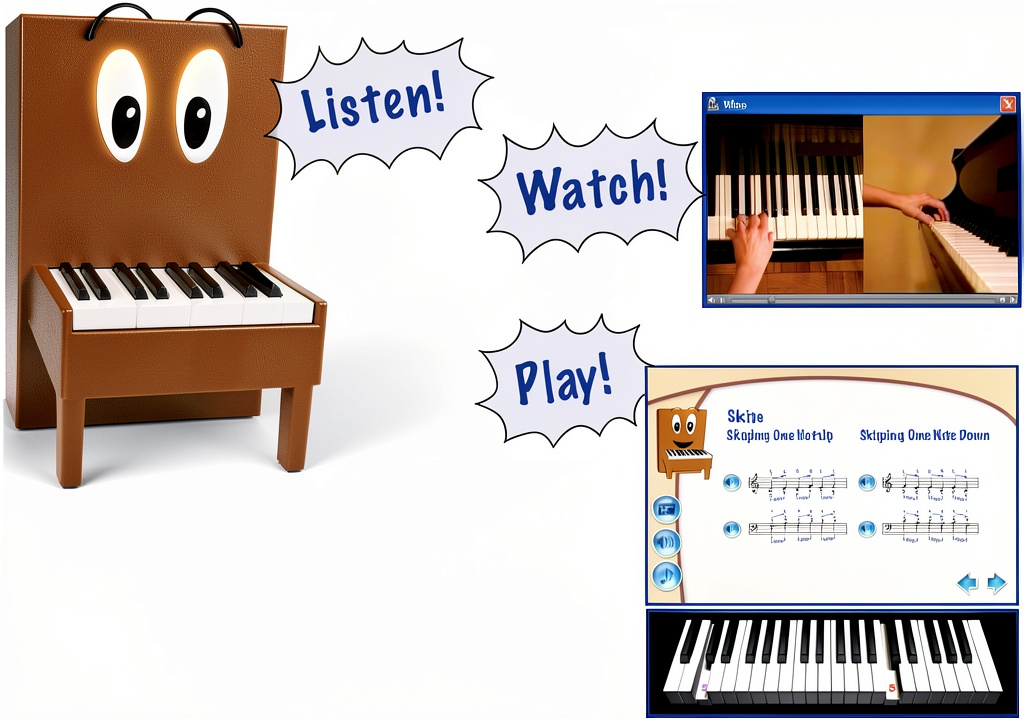
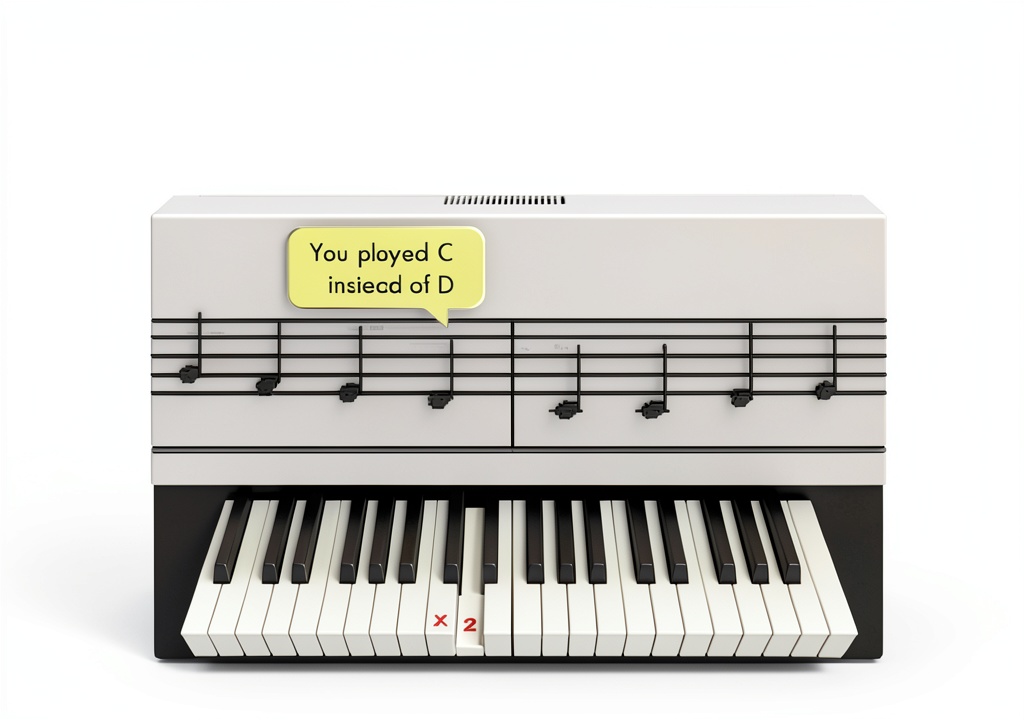
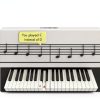
eMedia Piano Learning Software brings a classroom experience to your home computer. Guided by Pam the Piano, an animated character, the program delivers more than 100 lessons designed by a former Juilliard School of Music instructor. Each lesson combines full‑motion video, an interactive on‑screen keyboard, and real‑time feedback, allowing learners to see correct finger placement and hear immediate audio results. The software supports both audio playback and MIDI input, letting you connect a digital piano or use the built‑in virtual keyboard. Adjustable playback speed lets you slow down complex passages without losing musical context, while built‑in metronome and rhythm tools reinforce timing skills.
![[Product front view showing all components]](https://www.petalstyle.store/wp-content/uploads/2026/05/da793af8bf8545ea9a7fcf363174cfbc.jpg)
Usage
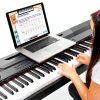
This program is ideal for home practice, music classrooms, and after‑school programs. Whether you are a child just starting, a teenager preparing for recitals, or an adult returning to music, the step‑by‑step lessons adapt to your skill level. The interactive games keep younger learners motivated, while the detailed video demonstrations satisfy more serious students. Because the software runs on Windows and macOS, it fits seamlessly into most computer labs or personal study spaces.
Why Choose Us
eMedia leverages decades of music education expertise, translating professional instruction into an engaging digital format. The curriculum is vetted by a Juilliard‑trained teacher, ensuring pedagogical soundness. Our animated interface reduces intimidation, making complex concepts approachable. Continuous software updates guarantee compatibility with the latest operating systems, and our dedicated support team provides assistance for installation, troubleshooting, and lesson planning.
Key Features
- Over 100 video‑driven lessons created by a former Juilliard instructor for structured progression.
- Animated character Pam guides learners, providing visual cues and encouraging feedback.
- Interactive on‑screen keyboard with real‑time note detection and MIDI compatibility.
- Adjustable playback speed and tempo controls let you master difficult passages at your own pace.
- Responsive customer support with email and live chat options for quick issue resolution.
FAQ
Can I use my own digital piano with the software?
Yes, the program supports standard MIDI connections, so any MIDI‑compatible keyboard or digital piano can be used for real‑time input.
Is the software compatible with both Windows and macOS?
It runs on Windows 10 or later and macOS 10.13 or newer, meeting the requirements of most modern computers.
Do I need any prior music experience to start?
No. The lessons begin with basic note identification and hand positioning, progressing gradually to more advanced techniques.
How does the adjustable speed feature work?
You can slow down or speed up playback of any lesson video and accompanying audio tracks without altering pitch, allowing you to focus on technique.
What kind of after‑sales support is offered?
eMedia provides a 30‑day money‑back guarantee, regular software updates, and a dedicated support team reachable via email or live chat during business hours.


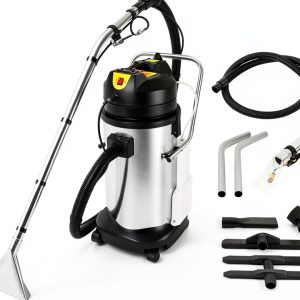 40L Commercial Carpet Cleaning Machine,1000W Powerful 3in1 Carpet Spraying Floor Brush Cleaner Portable Carpet Cleaning Machine,for Home, Staircase, Apartment
Reviews
There are no reviews yet.